

15 Oct1 day
- Time
- 09:00 – 17:00
- Venue
- Venue to be confirmed
$600 nettRegister
Generative AI · SZCAI11
Clean, combine and classify Excel data with ChatGPT in one day. Practise formulas, data enrichment and document extraction.
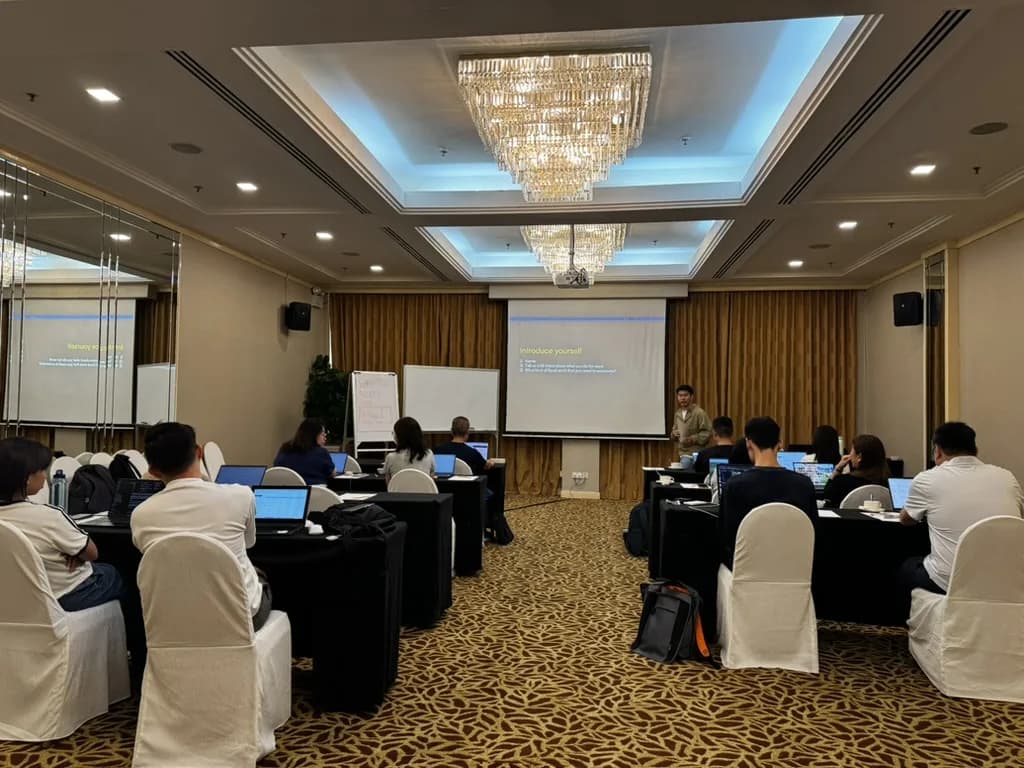
Course overview
Pair familiar Excel skills with generative AI. By using AI inside spreadsheets and prompt templates, participants learn to ingest, clean, transform and reconcile data in a fraction of the usual time — directly in Excel.
Outcomes
This course is suitable for
Course dates and venue
Unconfirmed runs may be held at Village Hotel Bugis or Goldhill Plaza. We'll confirm the exact location before class.
Course fees and funding
Course fee: $600 nett
The course fee is $600 nett. Contact us with any questions about payment or registration.
Course syllabus
1.Understanding AI’s role across different steps in manipulating Excel data
2.Refresher on key Excel formulas
3.Prompt engineering: generating complex Excel formulas with AI
4.Create a custom GenAI() formula and use it directly within Excel
5.AI-driven data cleaning and transformation
Pre-requisites
Course instructor

Lead Trainer at Sozcode
Brandon teaches Python, AI and automation and leads course design at Sozcode. His classes connect programming concepts to projects such as processing documents, analysing data and building applications.
Training methodology
Every foundation course begins with a practical project, from automating a task to building a simple app.
Only the topics that serve the end goal, so every lesson applies.
Verified reviews